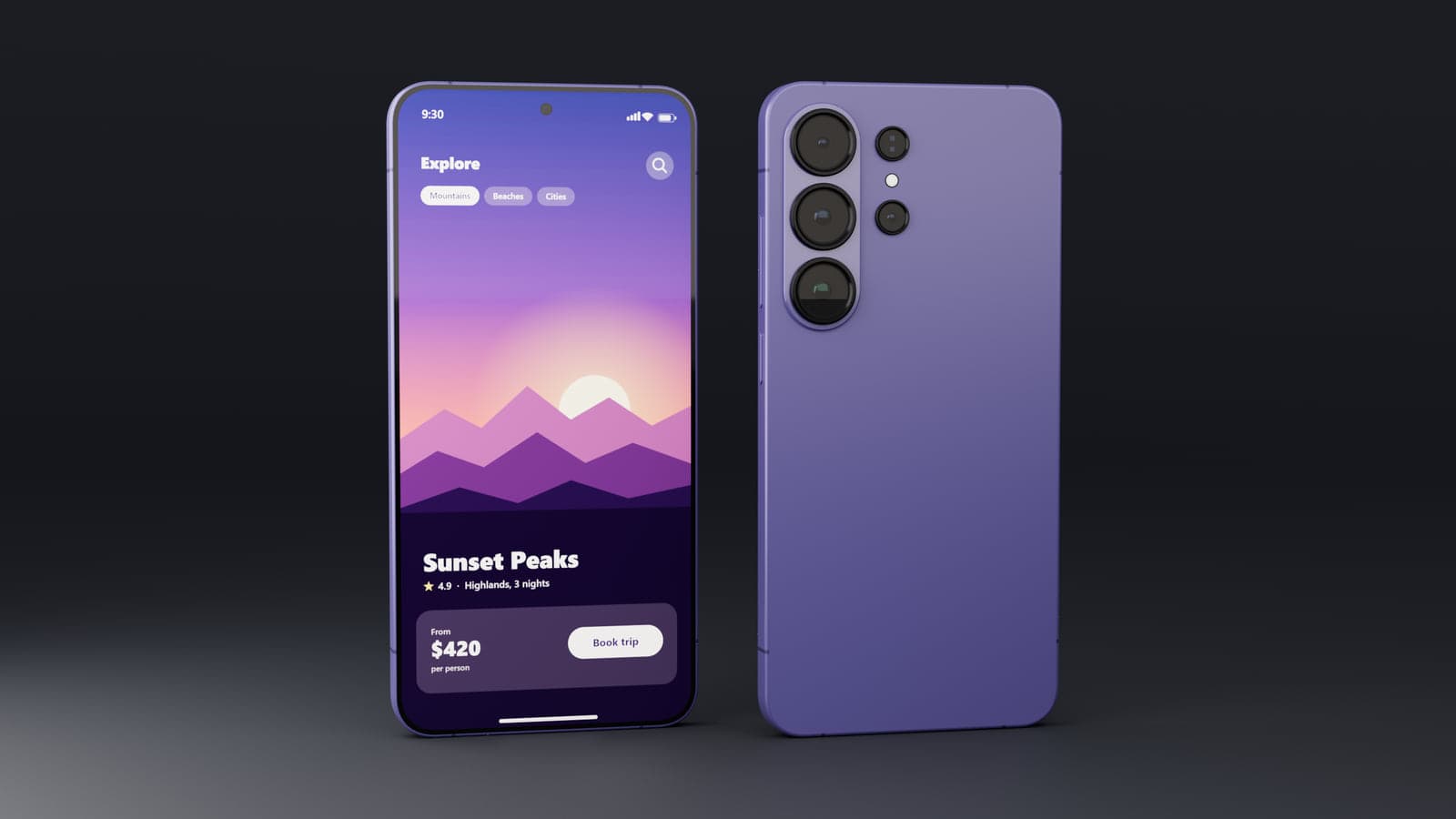
Present Android screens in a 3D device
MockFold's Phone editor lets you move beyond a flat screenshot. Rotate the phone, show its back cameras or set several devices beside one another. That is useful for Android app launches, client reviews and web pages that need to demonstrate how an app looks on a phone.
You can also combine Galaxy and iPhone-style devices in one scene when presenting a cross-platform app. Each phone can have its own screenshot and finish.
Three Galaxy Ultra styles
Choose an independently built representation of the Galaxy S26 Ultra, S25 Ultra or S24 Ultra. Each offers model-specific finish names and camera styling. For example, the S26 Ultra style includes Cobalt Violet, Sky Blue, Black, White, Silver Shadow and Pink Gold. The S24 Ultra style includes several Titanium finishes.
The models are meant for visual presentation rather than exact dimensional or manufacturing accuracy. They do not include Samsung logos.
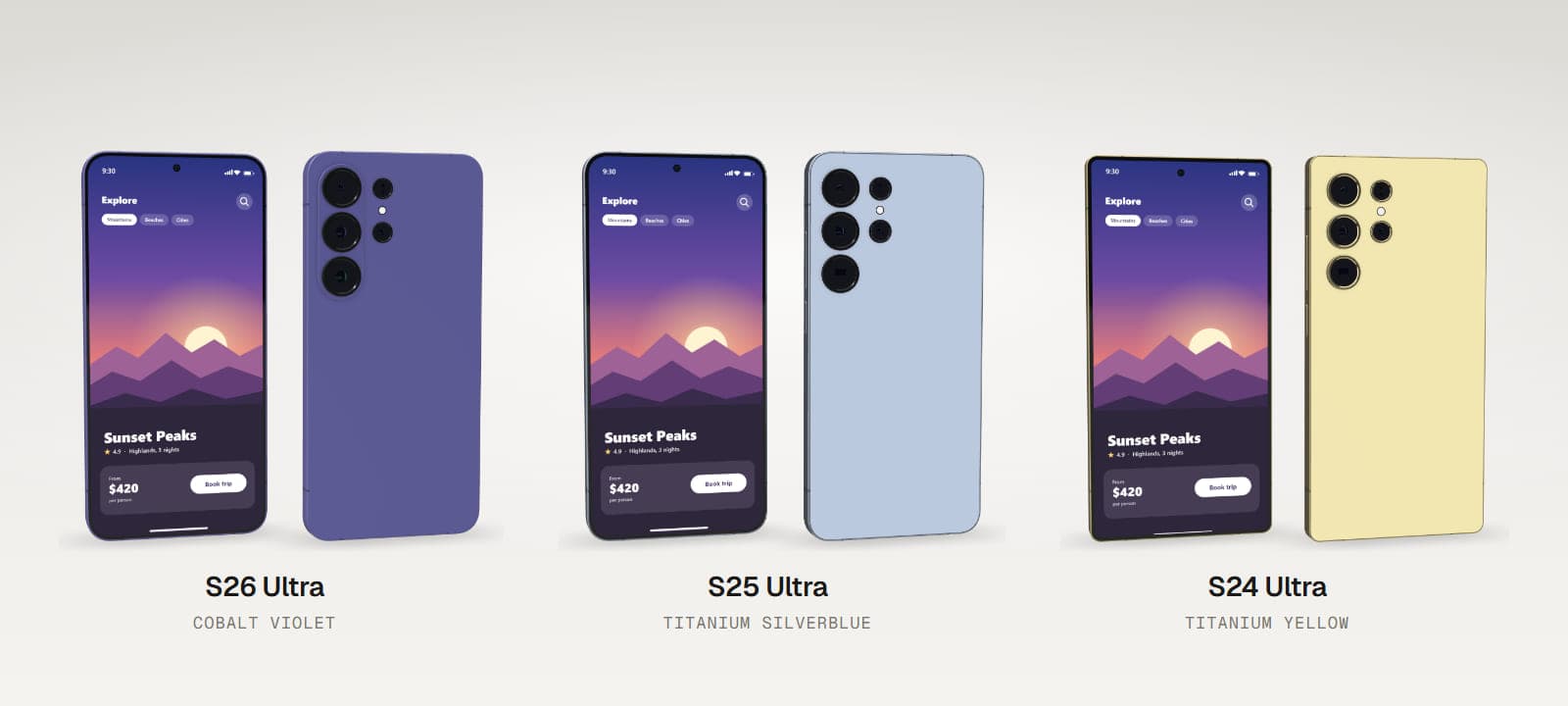
How to make a Samsung phone mockup
- Choose a Galaxy Ultra model. Pick S26, S25 or S24 Ultra style and a finish.
- Upload your app screenshot. Use PNG, JPEG or WebP.
- Adjust the screen. Choose Fill or Fit and fine-tune zoom and offsets.
- Choose a composition. Show the device alone, duplicate it or add other phone models.
- Set the background and image size. Choose a template, adjust lighting and export PNG or JPEG.
Compare screens side by side
Use two phones to show an app's home screen and detail screen. Add a third phone for another feature or try the Dual platform template to show the same project on iPhone and Galaxy styles. There are ten templates in total, plus one-, two- and three-phone layouts.
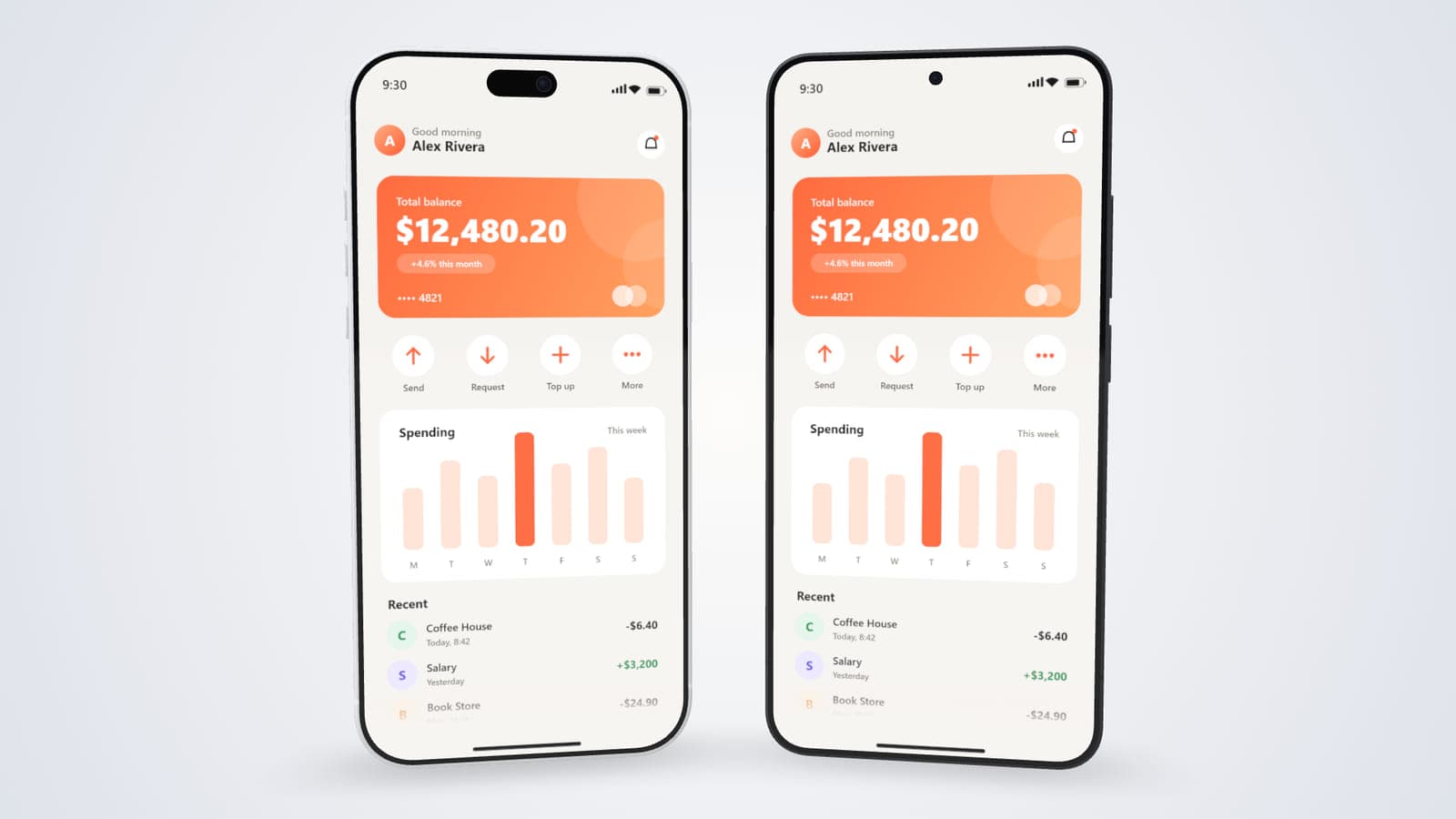
You can use solid colours, gradients, background images or transparency. Rotate each phone and adjust its position independently. Choose a square social post, portrait, story, landscape or custom canvas.
Show the back of the device too
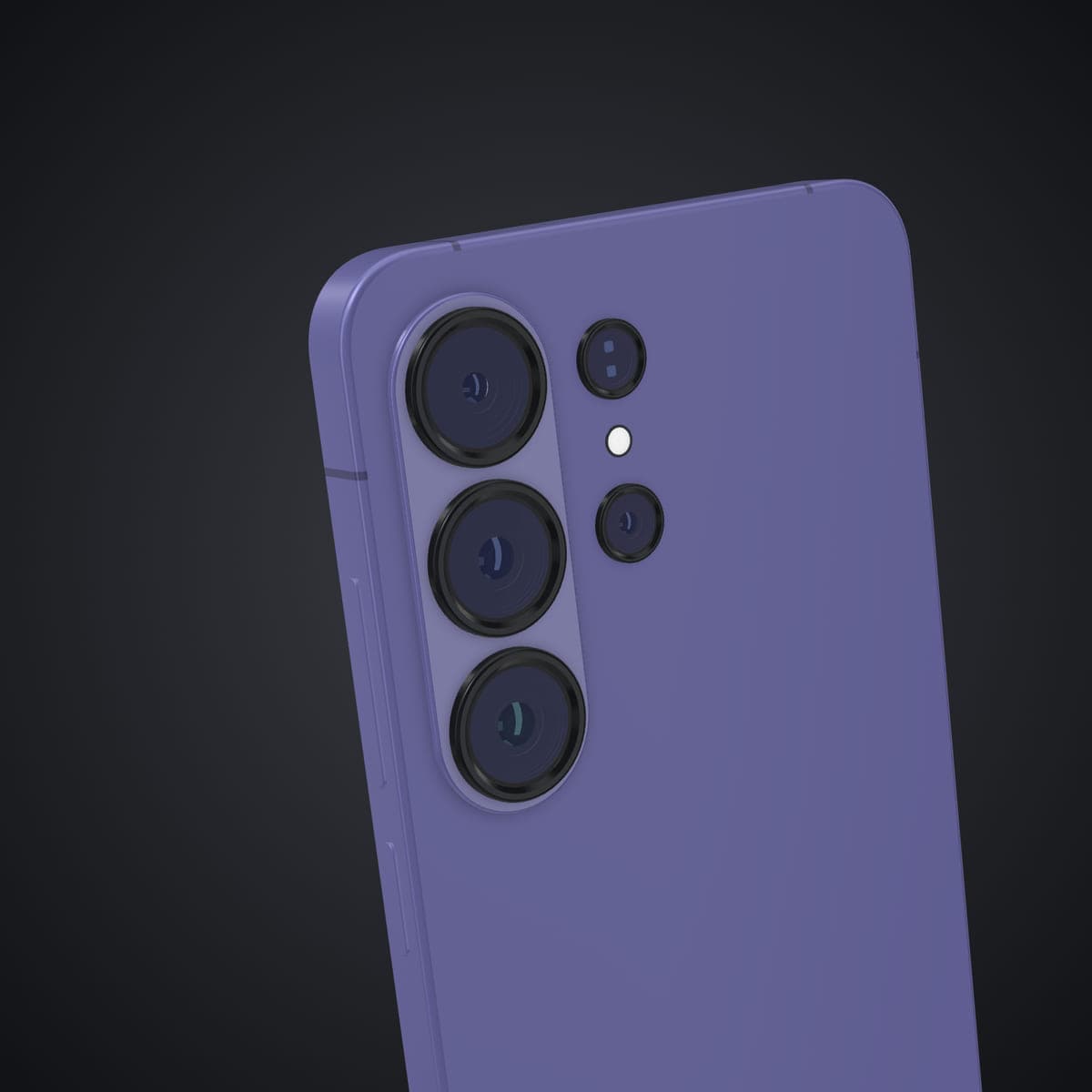
The camera presets and Back layout let you show the rear of each Galaxy Ultra-style model. That is useful when you want the phone itself to be part of the presentation. Use the Camera detail template for a closer view of the model's rear camera design.
Export your Android mockup
Export PNG or JPEG images with Starter or Pro. Pro adds higher-resolution and multi-angle images as well as Render Studio for studio-lit still renders. The phone editor does not support video on the screen, animated exports, 3D model downloads or an in-editor text tool.
Try the included sample screenshots and layouts free before working with your own design.
Good to know
MockFold currently includes Ultra-style Galaxy S phones only. There are no Galaxy Z Fold, Z Flip, base S, Plus or Pixel models. The device shapes are independently created and some details may differ from the real phones.
Frequently asked questions
Does MockFold support the Galaxy S26 Ultra?
Yes. The Phone editor includes an independently created S26 Ultra-style model.
Can I place my Android screenshot on the phone?
Yes. Upload a PNG, JPEG or WebP image and fit it to the screen.
Can I create a mockup with both Android and iPhone?
Yes. One scene can contain up to three phones, including a mix of the available styles.
Can I change the phone colour?
Yes. Each model has a set of named finishes to choose from.
Can I export a transparent PNG?
Yes, with an eligible paid plan.
Can I create an animated phone video?
No. The Phone editor produces still images only.
Are these official Samsung models?
No. They are independent visual representations, not official or licensed Samsung 3D assets.
Put your Android app into a phone mockup
Upload a screenshot, choose a Galaxy Ultra style and create a clean image for your next launch or presentation.