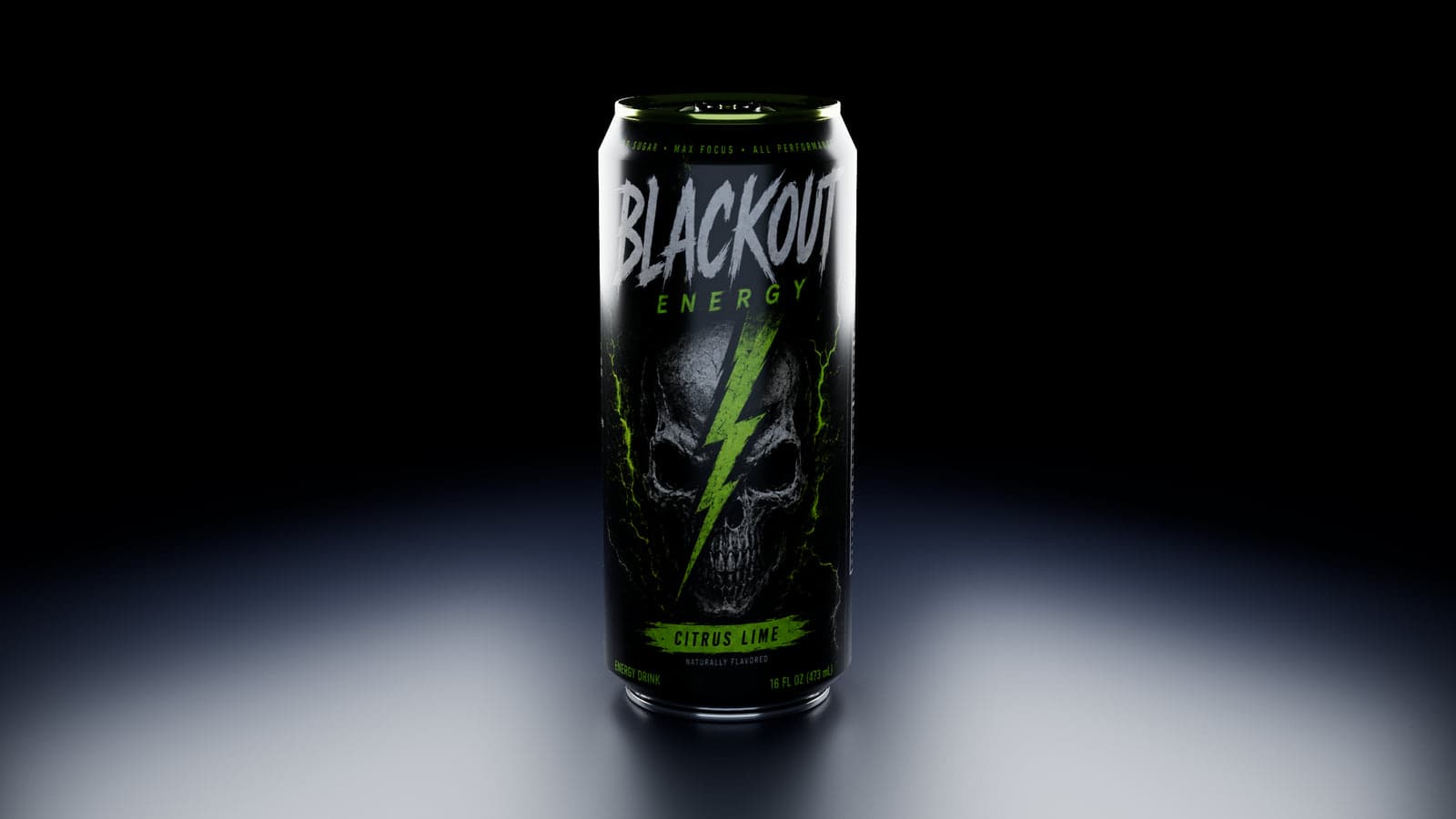
Preview a label on the can itself
A label that looks good flat may feel different once it wraps around a narrow cylinder. The Can mockup lets you rotate the artwork, look around the body and compare a label band against a full-body print. You can change the appearance without repeatedly exporting flat mockup files.
The Can editor uses one detailed aluminum can model with five preset sizes. It includes the rim, lid and pull tab, so you can check how your packaging design relates to the metal around it.
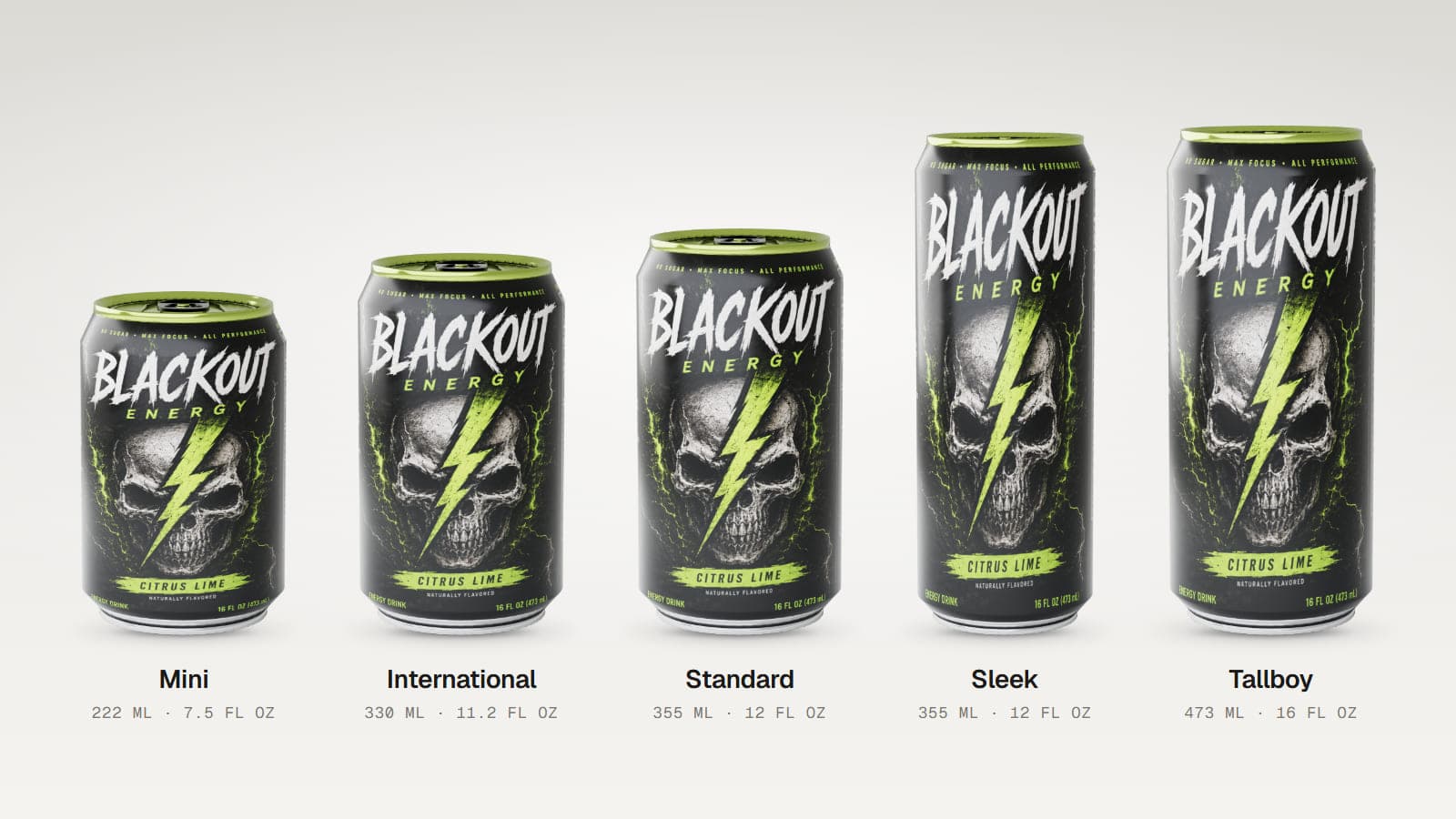
Five can sizes to choose from
| Can size | Volume shown | Dimensions |
|---|---|---|
| Mini | 222 ml, 7.5 fl oz | 102 x 66 mm |
| International | 330 ml, 11.2 fl oz | 115 x 66 mm |
| Standard | 355 ml, 12 fl oz | 123 x 66 mm |
| Sleek | 355 ml, 12 fl oz | 156 x 57 mm |
| Tallboy | 473 ml, 16 fl oz | 157 x 66 mm |
How to make a can mockup
- Pick a can size. Choose the proportions that best match your product.
- Upload a PNG or JPEG label. Your artwork wraps around the can body.
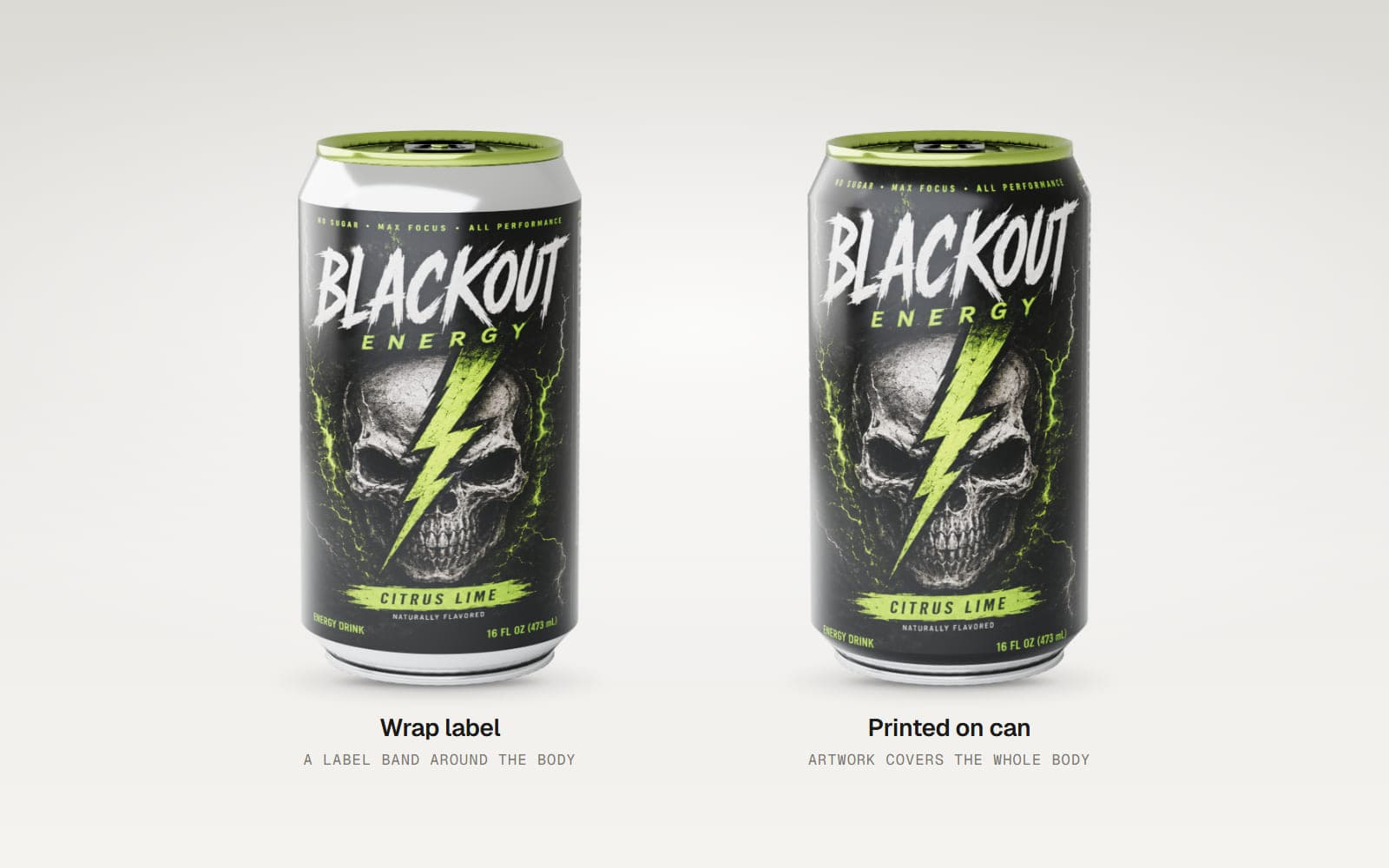
- Choose how it is applied. Use Wrap label for a band or Printed on can for full-body artwork.
- Adjust the details. Set the artwork rotation, matte or glossy label finish, and colours of the body, top and pull tab.
- Choose your camera angle. Preview the can from the front, back, top, side or a free 3D angle, then export your image.
Useful for more than soda
The same mockup can help you present energy drink labels, craft beer branding, sparkling water artwork and other beverage concepts. Compare the same design on a Standard and Sleek can, test different pull tab colours or move a logo around the cylinder to see how it reads from the front.
Create still images for presentations and product pages
Starter supports PNG and JPEG image exports of your own can design. Pro adds higher resolution and multi-angle image export, plus access to Render Studio for realistic studio lighting and reflections. The included demo can lets anyone try the export and rendering tools.
The Can mockup does not export videos, 3D model files or interactive HTML viewers. Its spinning preview is for inspecting the can inside the editor.
Good to know
The editor has five fixed sizes. It does not include 250 ml slim or 500 ml can presets, condensation, an open can, multiple cans in one scene or a downloadable label template. Artwork fills the selected label area, so prepare a design that suits the wrap you want.
Frequently asked questions
Can I create a soda can mockup online?
Yes. Choose a can size, upload your label and preview it on a 3D can in your browser.
Can I make a 16 oz energy drink can mockup?
Yes. Tallboy is a 16 fl oz, 473 ml preset.
What is the difference between Standard and Sleek?
Both presets show 355 ml, but Sleek is taller and narrower.
Can I change the can lid colour?
Yes. You can change the top and pull tab colours separately.
Can I download the can as a 3D model?
No. The Can mockup supports still image exports and Render Studio images, not 3D model files.
Is it free to try?
Yes. You can preview the can and try the demo project for free. Exporting your own label requires Starter or Pro.
Put your beverage design on a can
Choose a size, upload your label and see your branding from every angle.