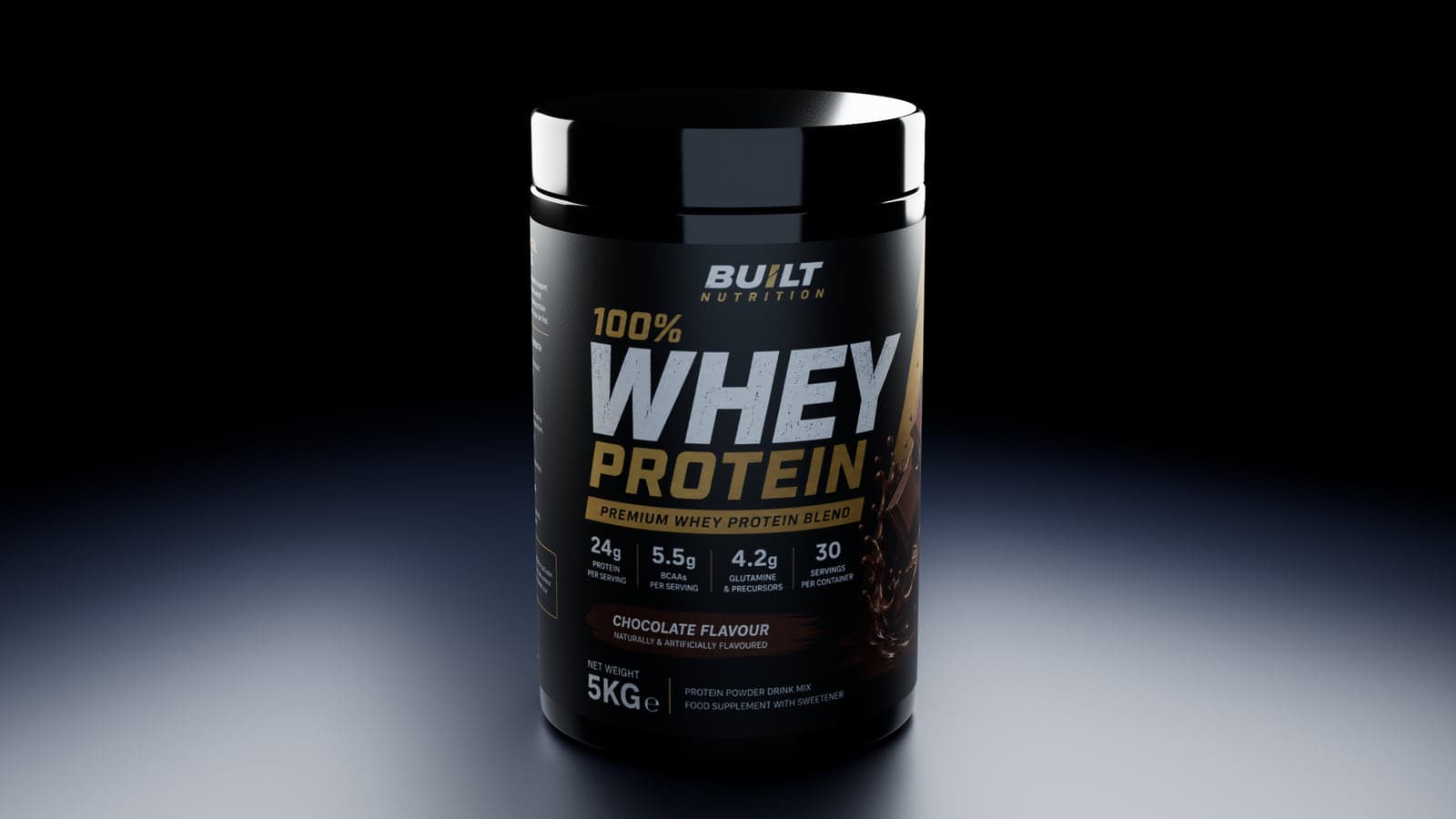
Make your supplement label feel like a real product
A flat label tells you what the graphic looks like. A tub mockup shows how the label sits around the container, how much of the body it covers and what the whole product looks like on a shelf or in a presentation.
The Tub editor starts with built-in round plastic containers, so you do not need a dieline or 3D modeling software. Upload label artwork and adjust the container until its proportions suit the design.
How to create your tub mockup
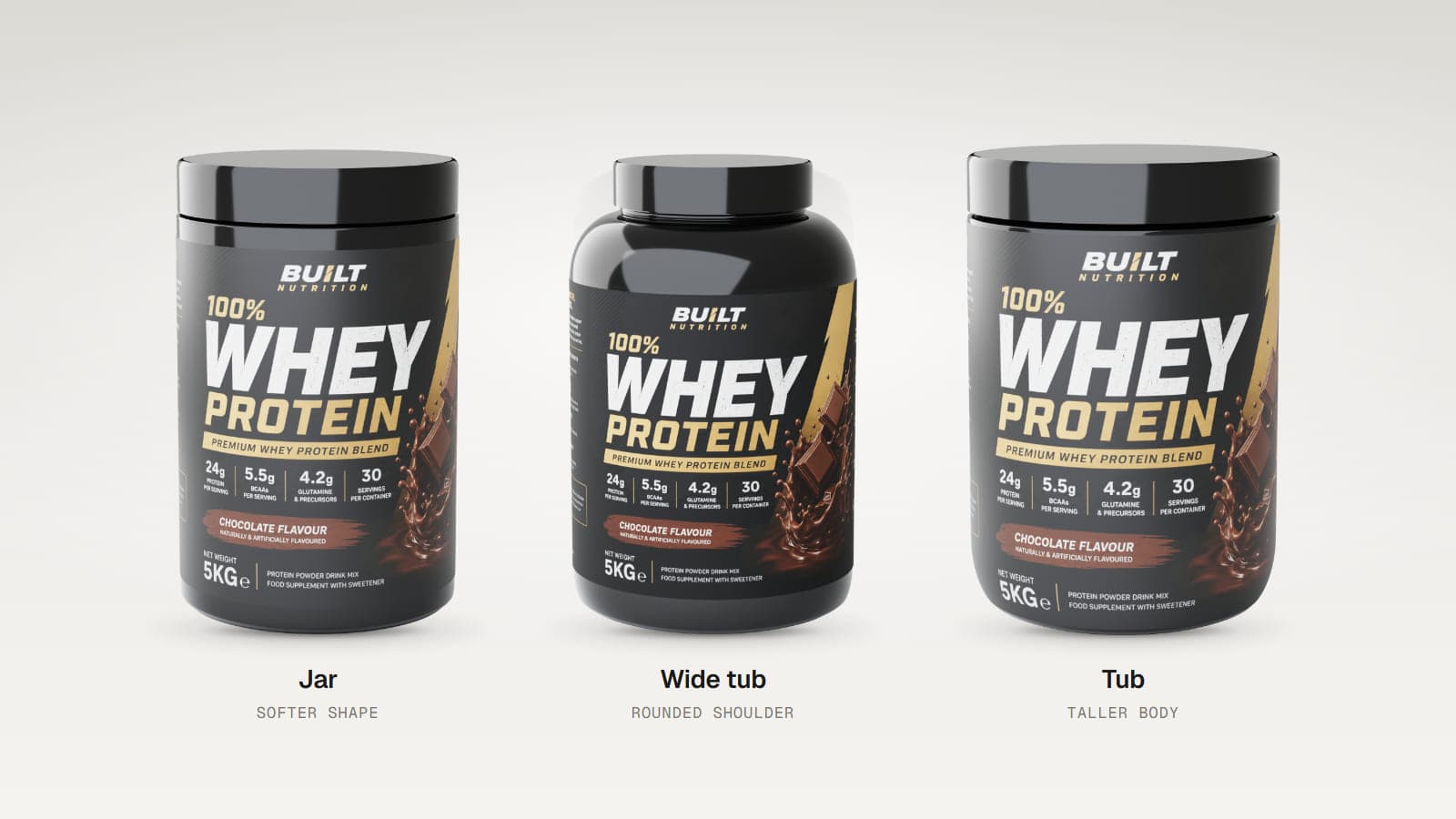
- Choose a container. Start with Jar, Wide tub or Tub.
- Upload your label. Use PNG, JPG or SVG artwork.
- Adjust the container shape. Change the shoulder, foot, lip, screw neck and lid proportions.
- Fit the label. Control its vertical coverage, how far it wraps and where the seam falls.
- Set your finish and lighting. Choose body and lid colours, then preview the mockup from different angles.
Customize the container around your design
Three starting shapes
Use a taller Tub, a Wide tub with a more rounded shoulder or a Jar with a softer shape. Each has adjustable proportions, so you can move beyond the starting appearance. The containers are round plastic models, not exact capacity presets.
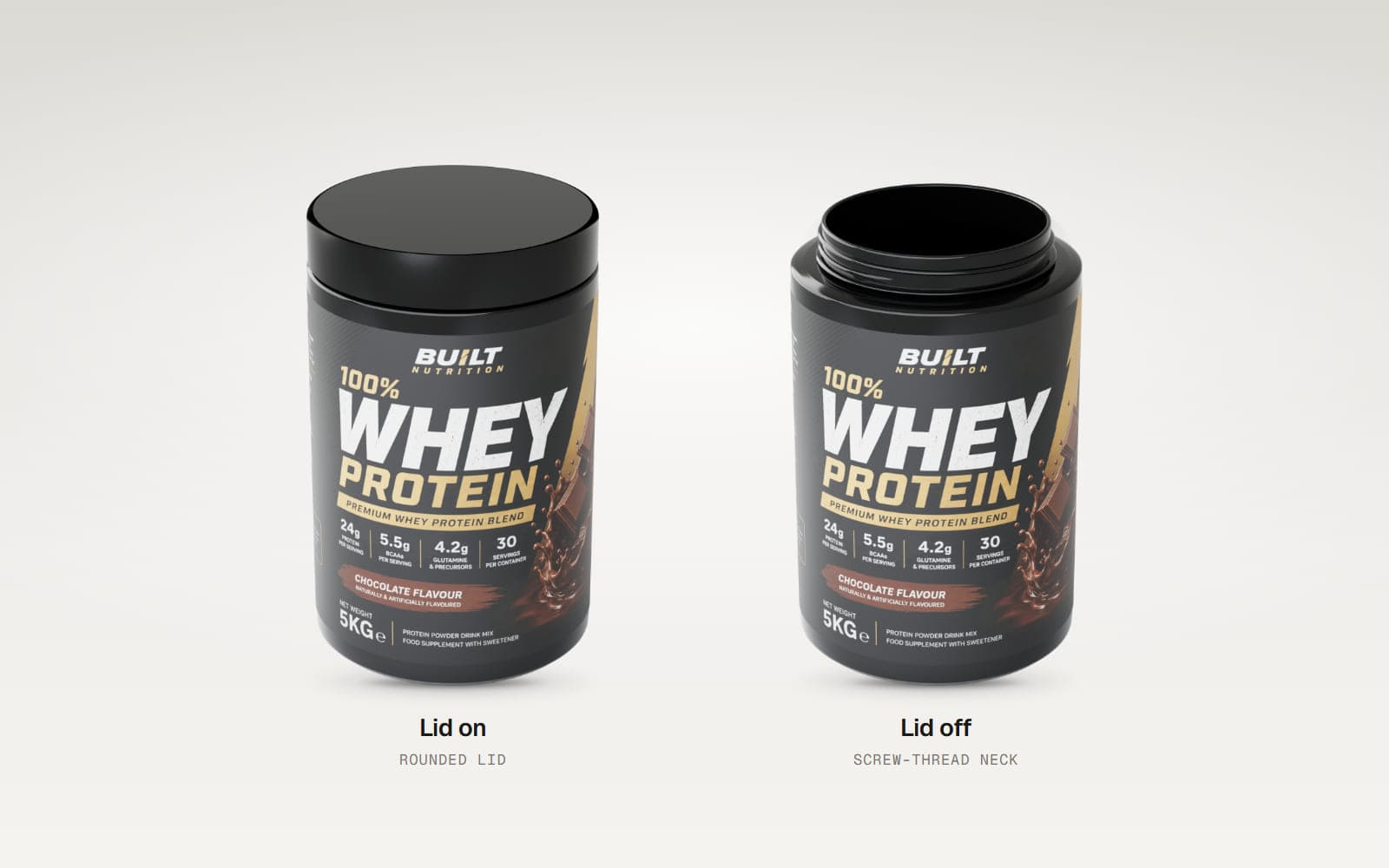
Show the lid on or off
Adjust lid height, overhang, edge shape and the neck beneath it. You can also hide the lid to reveal the open container and screw-thread neck. The editor does not simulate powder inside the tub or artwork printed on the lid.
Control the label fit
Set how high the label starts and ends, how much it wraps around the container and its rotation. Choose square or rounded label corners. Transparent areas of PNG artwork reveal the body colour underneath.
Compare colours and surfaces
Choose white, black or a custom colour for the body and lid. Set matte, diffused or glossy finishes separately on the body, lid and label. Use the lighting presets to compare how the packaging looks in a bright catalog view or a darker presentation.
Export a supplement tub mockup
Starter lets you save your project and export PNG or JPEG images of your own design. Pro adds higher resolutions, multiple angles, turntable video, GLB and glTF model files, OBJ, an HTML viewer and Render Studio. The video export records a spinning tub, not an assembly animation.
Render Studio creates a separate still image with studio lighting. You can test it on the included demo tub before subscribing.
Who is this for?
- Sports nutrition brands preparing protein or pre-workout labels.
- Supplement packaging designers checking label coverage.
- Branding agencies presenting a container concept.
- Small product businesses creating images before a photo shoot.
Good to know
MockFold's tubs are adjustable round plastic containers. They do not have exact 1 lb, 2 lb or 5 lb size presets, clear plastic bodies, scoops or product fill. The label sits on the body, not the lid. Your label's aspect ratio helps determine the container proportions, so prepare the artwork with the intended wrap in mind.
Frequently asked questions
Can I create a protein powder tub mockup without a 3D model?
Yes. Choose one of the three built-in container types and upload your label artwork.
Can I remove the lid?
Yes. The Lid on / Lid off control lets you show the container open, including its screw-thread neck.
Can I customize the tub colour?
Yes. Choose white, black or a custom colour for the body and lid.
Can I make the label glossy?
Yes. The label supports matte, diffused and glossy finishes.
Can I choose an exact tub capacity?
No. The editor uses proportional shape controls rather than physical volume presets.
Does MockFold export a spinning tub video?
Yes. The Tub editor supports MP4 and WebM turntable export with Pro.
Is the tub mockup editor free?
You can explore and customize the tub for free. The included demo lets you try the export tools. Exporting your own label requires Starter or Pro, depending on the format.
Put your supplement label on a 3D tub
See how the artwork wraps, compare finishes and find the look you want.